
FAQ / Collections / How to add items to your Collection
How to add items to your Collection
Save items from anywhere via your toolbar
No matter what website you're browsing, you can save products using the Moonsift icon in your browser’s toolbar.
Click here if you cannot see the Moonsift icon in your toolbar.
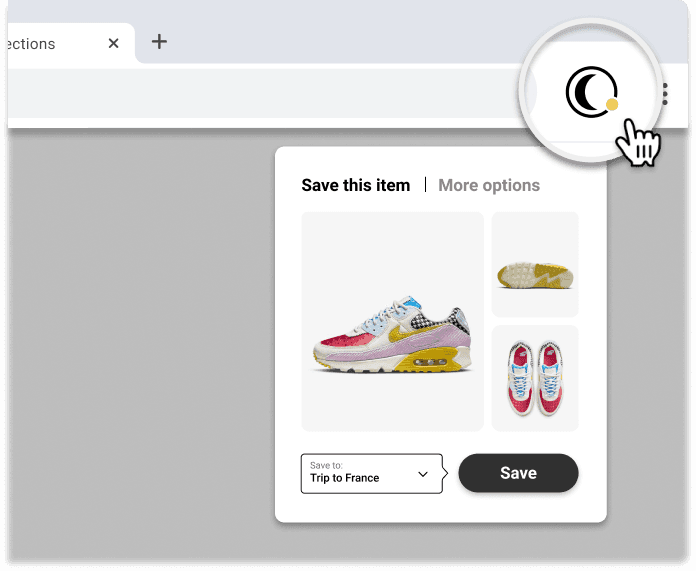
Go to the product you want to save (on any online store)
Click Moonsift’s logo in your toolbar
Save to one or more Collections
1,000s of stores have Quick-save buttons
Hover and save - when browsing lots of items on a page
Note that it may take a few seconds for the save buttons to load if the store's website is slow.

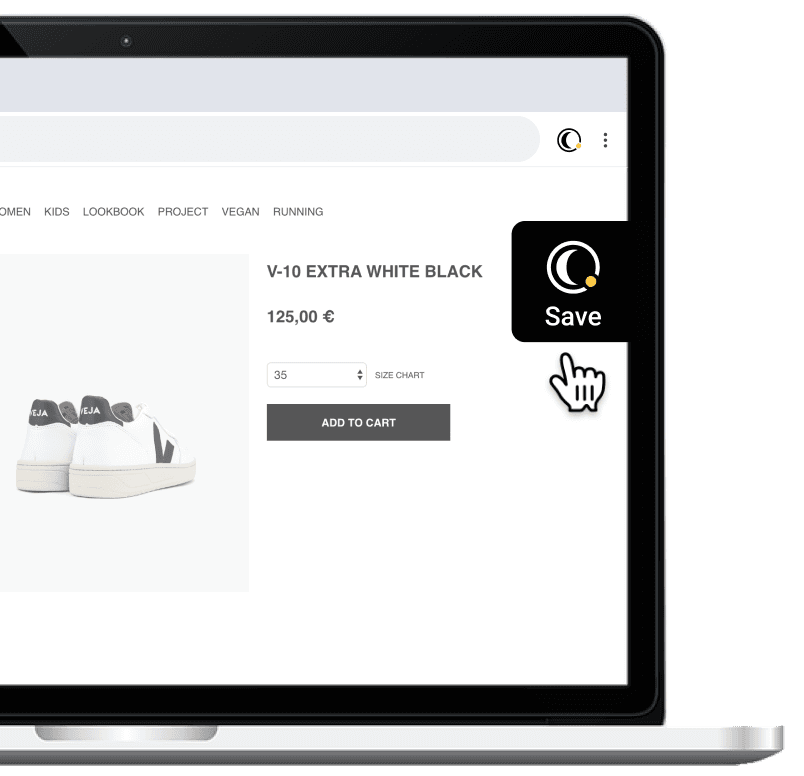
Save from the right hand side - when viewing a single item
When viewing a single product, use the black save button on the right side of your screen.
Can’t find the question you’re looking for? Send us an email at hello@moonsift.com