
FAQ / Saving Items / How to save items from any website via your browser’s toolbar
How to save items from any website via your browser’s toolbar
With the universal save button pinned to your toolbar, no matter what website you're browsing, you can save products via the Moonsift icon in your toolbar.
Click here if you can't see the Moonsift icon in your toolbar.
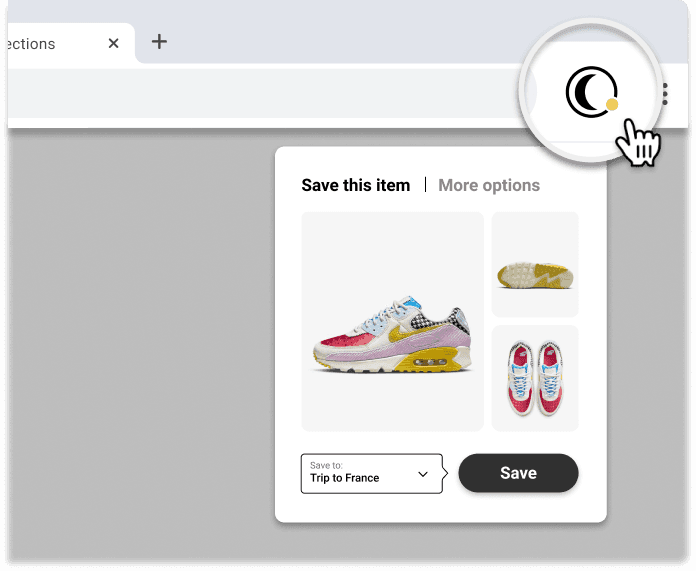
1️⃣ Visit any online store and go to the product you want to save
2️⃣ Click the Moonsift logo in your toolbar
3️⃣ Choose which Collection(s) to save to
How to save items using 'Quick-save' buttons on 1,000's of stores
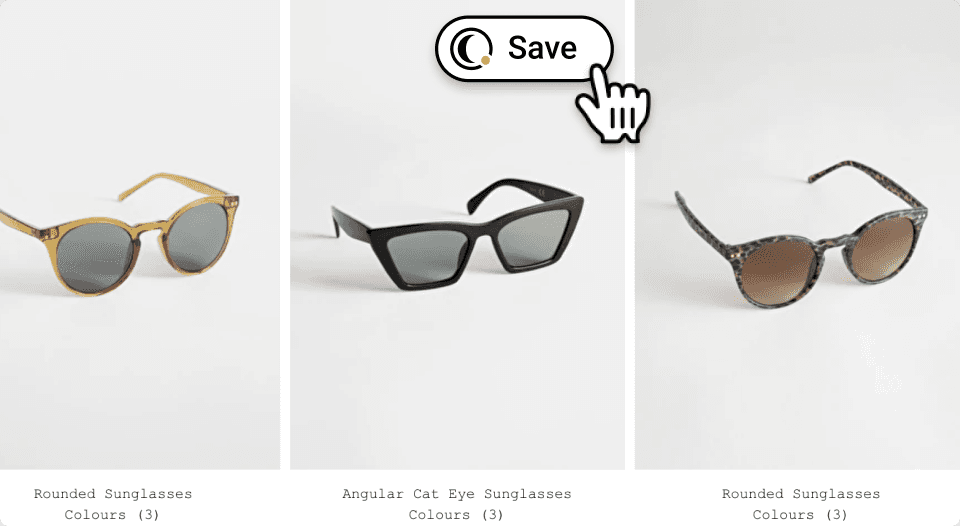
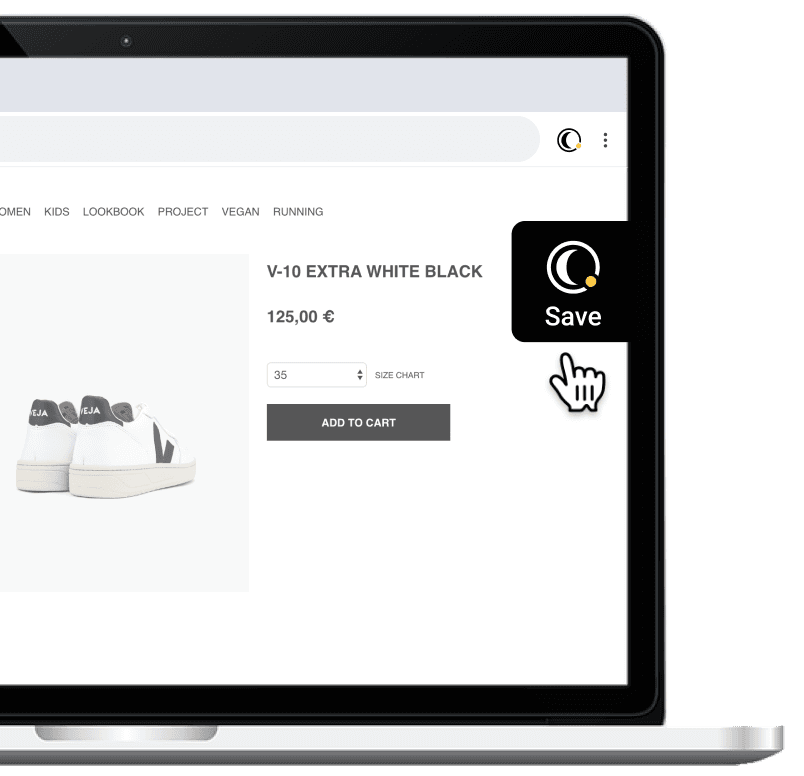
Look for Moonsift’s Quick-save buttons on 1,000’s of stores.
When browsing lots of items on a page → Hover and save
When viewing a single item → Save from the right side
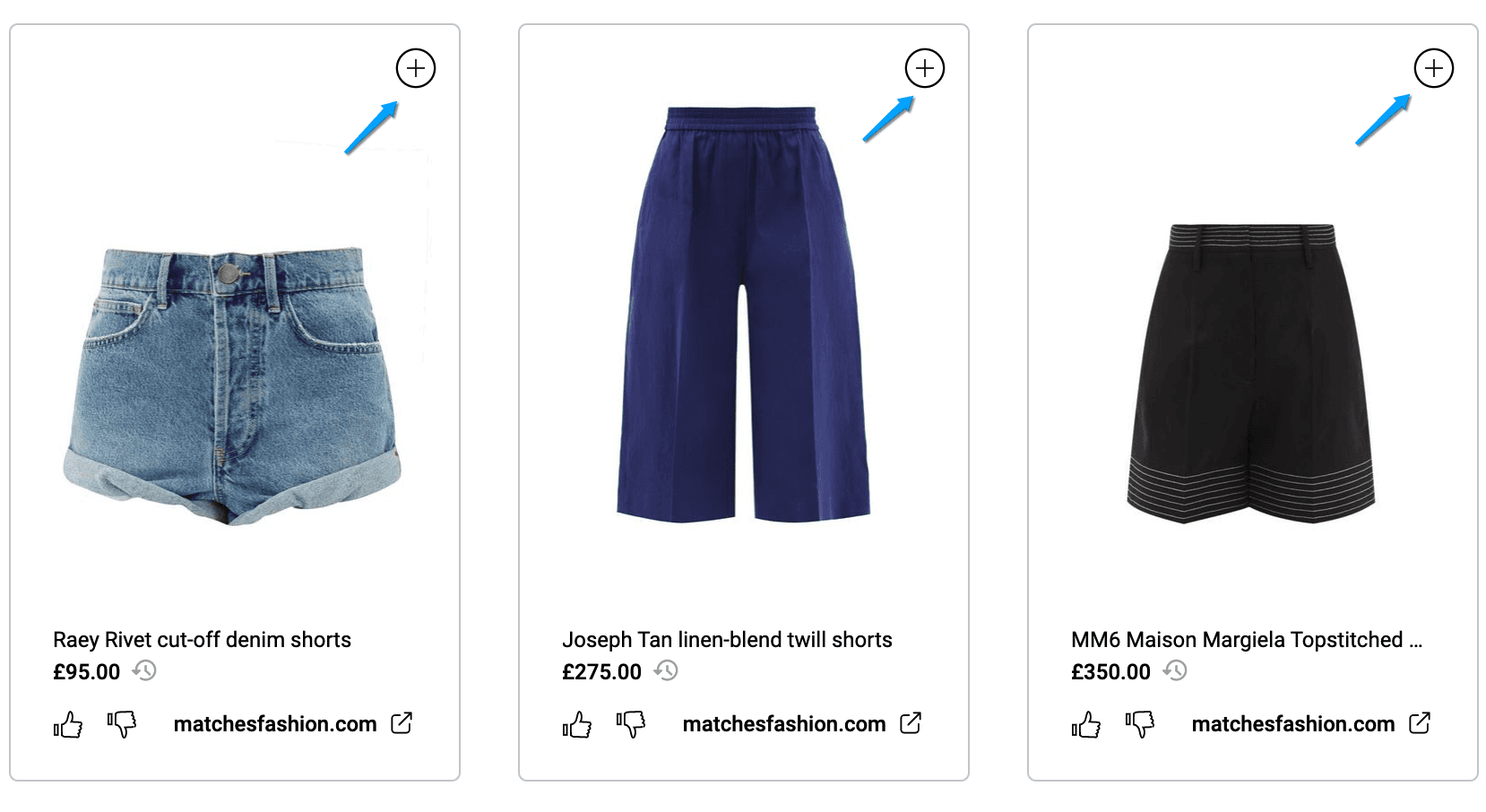
How to save from other people's collections
When visiting another Moonsift user's collection, you can add items directly from their collections to yours using the + button in the top right of each product.
Can’t find the question you’re looking for? Send us an email at hello@moonsift.com